If you have started researching how to cut the cord, you have almost certainly run into the term IPTV. It shows up everywhere — in forums, on device boxes, in app stores — but it is rarely explained clearly. This guide fixes that. By the end you will understand exactly what internet protocol television is, how it differs from cable and satellite, what an IPTV subscription actually includes, and how to make sure your setup stays fully legal.
What does IPTV mean?
IPTV stands for Internet Protocol Television. Instead of receiving a broadcast signal through a coaxial cable (cable TV) or a satellite dish, IPTV delivers television content over the same internet protocol (IP) network that powers websites, email and video calls. In other words, your TV shows arrive as data packets over your broadband connection.
That single change — moving from broadcast signals to internet delivery — is what makes modern streaming TV services possible. It is the same underlying idea behind mainstream platforms like YouTube TV and Hulu + Live TV, and behind the wider world of IP television apps you can install on a phone, a streaming device or TV box.
How does IPTV actually work?
At a high level, IPTV works in three steps:
- Encoding. A live channel or video file is compressed and converted into a digital stream using codecs such as H.264 or H.265 (HEVC).
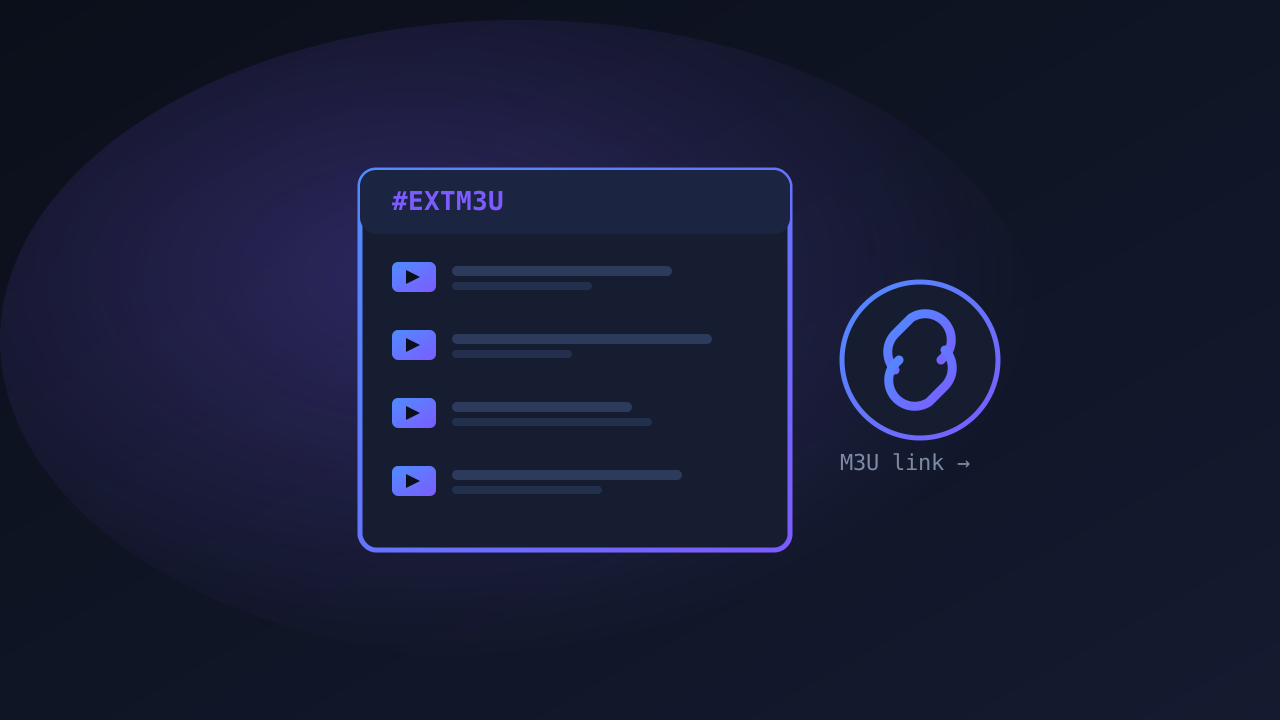
- Delivery. That stream is sent across the internet, often using protocols like HLS (HTTP Live Streaming) and organized through a playlist file such as an M3U.
- Playback. An app on your device — a web player, a streaming app like TiviMate, or a smart-TV app — requests the stream and decodes it back into video and audio on your screen.
Because everything travels over IP, IPTV can do things traditional TV cannot: pause and rewind live channels, offer on-demand libraries, provide an interactive program guide (EPG), and adapt video quality to your connection speed in real time.
The three types of IPTV
Not all IPTV is the same. There are three broad categories:
| Type | What it is | Example |
|---|---|---|
| Live IPTV | Real-time channels streamed as they broadcast | Live sports, news channels |
| Video on Demand (VOD) | A library you watch whenever you want | Movie and series catalogues |
| Time-shifted / Catch-up | Recently aired programs you can replay | ”Watch last night’s show” |
Most full streaming TV services combine all three so you get live channels, a back catalogue, and the ability to catch up on things you missed.
IPTV vs cable vs satellite
- Infrastructure: Cable needs coax wiring; satellite needs a dish and clear sky. IPTV needs only a stable internet connection.
- Flexibility: IPTV works on phones, tablets, computers, smart TVs and TV boxes — often several at once.
- Features: On-demand, catch-up, multi-screen and a searchable guide are native to IPTV.
- Quality: IPTV quality depends on your bandwidth. With enough speed you can enjoy crisp 4K IPTV streaming; on a weak connection you may see buffering.
What is an IPTV subscription?
An IPTV subscription is simply a paid plan from a service that gives you access to a set of live channels and/or on-demand content over the internet. Depending on the provider, a subscription typically includes:
- A defined channel lineup (entertainment, news, kids, and often live sports)
- An electronic program guide (EPG)
- Login credentials or an M3U/Xtream link to load into your app
- A number of simultaneous connections (how many screens can watch at once)
- Sometimes a video-on-demand library
Mainstream, household-name services bundle all of this inside their own branded app. Other providers give you a link or credentials that you plug into a third-party player. Either way, the key question is always the same: does the service have the rights to distribute the content it offers?
Is IPTV legal?
This is the most important section, so read it carefully.
The technology of IPTV is completely legal. It is just a delivery method — the same one used by major broadcasters and tech companies. What matters is licensing. An IPTV service is legal when it holds the proper rights to stream the channels and content it provides, and illegal when it redistributes copyrighted channels without permission.
If you want to browse independent provider directories as part of your own research, sites such as IPTV Morsar, Morsar, Morsar TV and IPTV Lite list options. As always, verify licensing and read the terms before subscribing to anything.
What do you need to start with IPTV?
Getting started is refreshingly simple:
- A reliable internet connection. Aim for at least 25 Mbps for smooth HD, and 50 Mbps+ if you want 4K.
- A device. A phone, computer, smart TV, Firestick, Roku, or Android TV box.
- A player app. Many people use a dedicated streaming app like TiviMate, though plenty of services have their own.
- A legitimate subscription from a properly licensed service.
Frequently asked questions
Is IPTV the same as streaming? Essentially, yes. “Streaming” is the broad term for watching media delivered over the internet; IPTV specifically refers to television (live channels and TV-style content) delivered that way.
Do I need a special TV? No. Any smart TV works, and any “dumb” TV can be upgraded with an inexpensive streaming stick or box.
Will IPTV replace cable? For many households it already has. Internet-delivered TV is more flexible and often cheaper, which is why streaming TV services continue to grow every year.
The bottom line
IPTV is simply television delivered over the internet — a flexible, feature-rich alternative to cable and satellite. The technology is legal and mainstream; what matters is choosing a properly licensed service. Now that you understand the fundamentals, dig into how streaming TV services work, learn about the M3U playlists that power so many setups, or jump straight to picking the best streaming device for your home.